Hey there, website owner! If you’re finding this article, chances are your website is growing at an impressive rate, and you’re starting to feel the pressure of increased traffic. Or maybe you’re planning ahead to ensure you can handle a future surge in visitors. Either way, understanding the best VPS configuration for high-traffic websites can make a significant difference in how well your site performs. So, let’s break it down together and see what you need to consider for an optimal setup in 2026.
Why Choose VPS Hosting?
When your website is experiencing increased traffic, shared hosting just won’t cut it anymore. That’s where VPS (Virtual Private Server) hosting comes in. Here’s why it’s the better choice:
- Dedicated Resources: Unlike shared hosting, where you share resources with other websites, VPS provides dedicated server resources just for you.
- Flexibility and Control: With VPS, you have more control over your server settings and can configure it to suit your specific needs.
- Scalability: As your traffic grows, you can easily upgrade your server resources without experiencing downtime.
- Cost-Effective: It provides a balance between shared hosting and having your own dedicated server.
Now that we know why VPS is beneficial, let’s dive into the essential components you should focus on for high-traffic websites.
Core Components of VPS Configuration for High-Traffic
1. CPU Power
The CPU (Central Processing Unit) is the brain of your server. High-traffic websites demand more processing power to handle numerous requests simultaneously. Here’s what to consider:
- Number of Cores: More cores generally mean better multitasking. For high-traffic websites, consider a VPS with at least 4 cores.
- Clock Speed: Measured in GHz, a higher clock speed can enhance the performance of your applications. Aim for CPUs with speeds of 2.5 GHz or higher.
- CPU Architecture: Modern architectures, like those provided by Intel Xeon or AMD EPYC, offer enhanced performance features and energy efficiency.
Choosing the right CPU configuration ensures your website can efficiently process data and requests, providing a seamless experience for your visitors.
2. RAM
RAM (Random Access Memory) is crucial for handling your website’s active processes and tasks. A lack of sufficient RAM can result in slow page loading times and even site crashes during peak traffic periods.
- Minimum Requirement: For high-traffic sites, start with at least 8GB of RAM.
- RAM Scaling: Choose a VPS hosting provider that allows you to scale your RAM easily. This flexibility ensures you can adjust based on your traffic demands.
- DDR4 Technology: Opt for the latest DDR4 RAM technology, which offers faster speeds and better power efficiency compared to older models.
Having adequate RAM is essential for a reliable, high-performing website. It ensures that your server can handle multiple tasks and large numbers of visitors efficiently.
3. Network Bandwidth
Network bandwidth refers to the amount of data that can be transferred to and from your server. High-traffic websites necessitate substantial bandwidth to cope with extensive data transfer needs.
- Bandwidth Limits: Look for VPS plans offering at least 1TB of monthly bandwidth. This ensures you can sustain heavy traffic without incurring additional cost.
- Redundant Networks: Choose providers with redundant network infrastructure to ensure optimal uptime and reliability.
- CDN Integration: Utilize a Content Delivery Network (CDN) to distribute content globally, reducing server load and improving load times for international users.
By ensuring your VPS has sufficient network bandwidth, you guarantee that your website remains responsive and accessible, regardless of how many visitors you have.
Additional Tips for Enhancing VPS Performance
SSD Storage
Consider upgrading to SSD (Solid State Drive) storage if your budget allows. SSDs provide faster data access and improve server performance, making them ideal for high-traffic websites. Although they may be pricier than traditional HDDs, the boost in speed and reliability is often worth the investment.
Server Location
The physical location of your server can affect loading times. Choose a VPS provider with data centers closer to your primary audience. For example, if your main user base is in North America, select a server located in a nearby data center to improve latency and performance.
Regular Monitoring
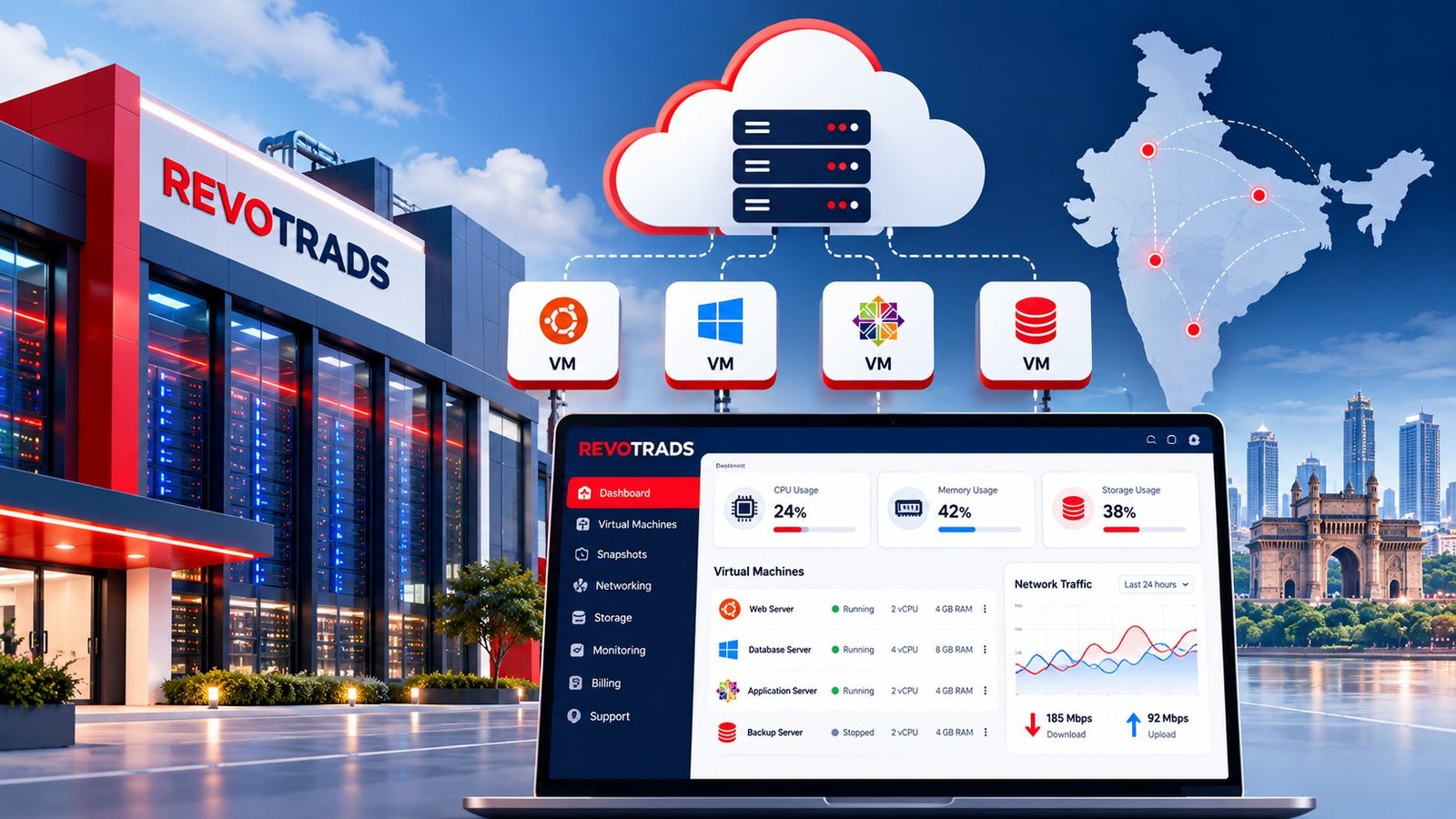
Frequent monitoring of server performance is key to maintaining a high-traffic website. Implement monitoring tools that track CPU usage, memory consumption, and network activity. These insights help you make informed decisions on when to upgrade or tweak your VPS configuration.
Choosing the Right VPS Provider
While the technical aspects are crucial, the choice of VPS provider is equally important. Here’s what to consider when selecting a provider:
- Customer Support: Choose a provider with reliable and accessible customer support to assist with any issues that may arise.
- Upgrade Options: Ensure the provider offers flexible upgrade plans to accommodate your growth.
- Security Features: Opt for providers offering robust security features like firewalls, regular backups, and DDoS protection.
- Reputation: Do some research and read reviews to gauge the experience of other users with the provider.
Conclusion
Choosing the best Cheap VPS Hosting start with 180 RS/momth configuration for your high-traffic website in 2026 is crucial for maintaining optimal performance and user satisfaction. By focusing on key components like CPU, RAM, and network bandwidth, and pairing them with the right provider, you can ensure your website not only handles high traffic effortlessly but continues to grow with your business.
Remember, as your online presence grows, adapting your server infrastructure to meet new challenges will keep you ahead of the competition. So here’s to a high-performing website that meets your needs and exceeds your expectations!