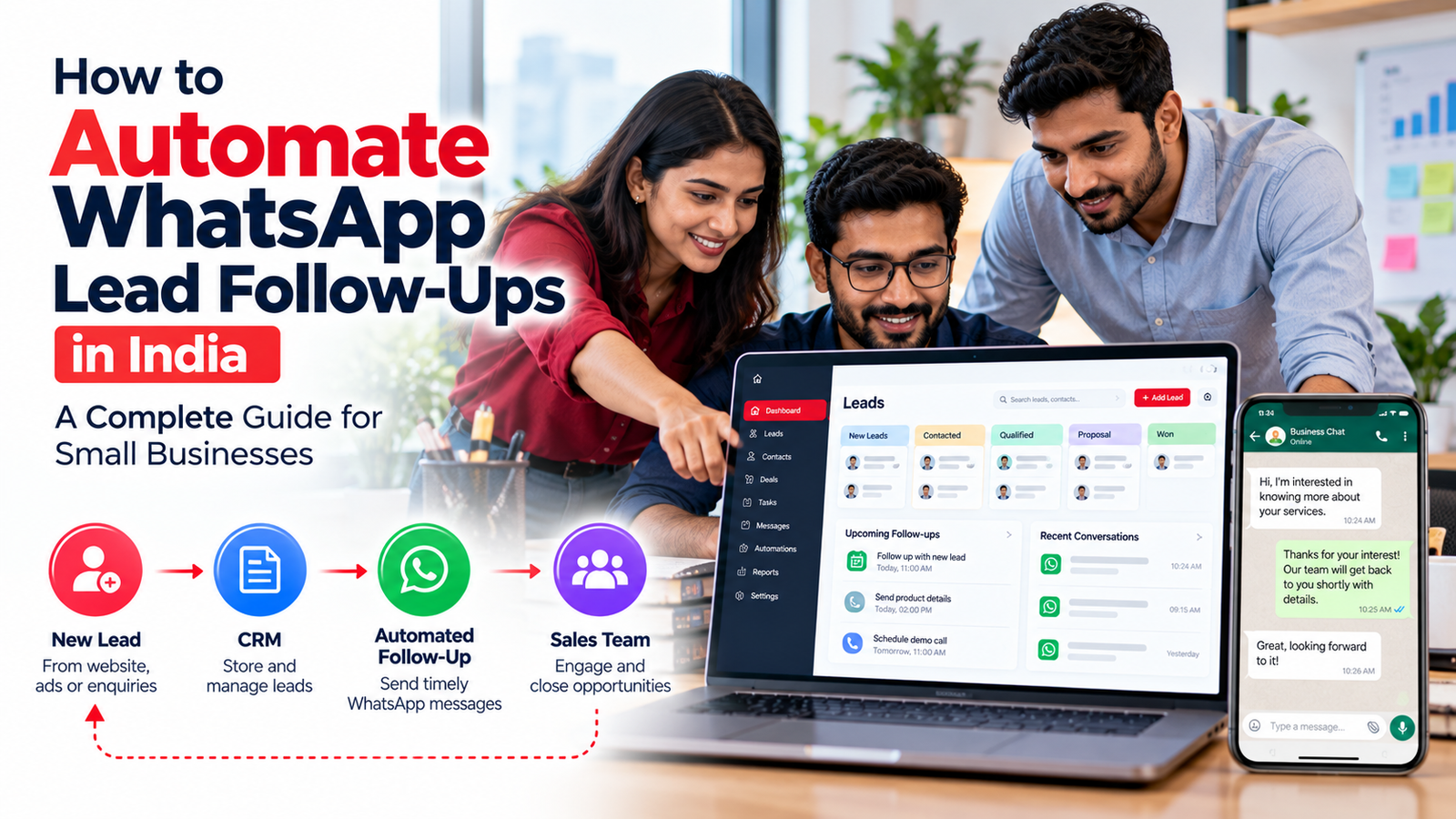
Every new customer enquiry represents an opportunity. Yet for many small businesses in India, managing enquiries consistently is a daily challenge.
A potential customer submits a form through a Google Ads campaign. Another sends a WhatsApp message asking for pricing. Someone else enquires about a property, training course, or business service through a Meta advertisement.
The sales team may respond quickly to some leads but forget others. Customer information gets scattered across spreadsheets, personal WhatsApp accounts, and employee phones. Important follow-ups are missed, especially when enquiry volumes increase.
WhatsApp lead follow-up automation helps businesses address these problems by connecting lead capture, customer messaging, sales pipelines, and reminders in a structured workflow.
Instead of relying entirely on manual follow-ups, businesses can configure systems that acknowledge enquiries, assign leads to employees, schedule appropriate messages, and stop automated sequences when customers respond or opt out.
However, successful WhatsApp automation involves more than scheduling messages. Businesses must understand customer consent, WhatsApp’s messaging rules, approved templates, CRM integration, and communication costs.
This guide explains how Indian small businesses can implement WhatsApp lead follow-up automation responsibly, including practical workflows, examples, tools, pricing considerations, and common mistakes to avoid.
Quick Answer: How Do You Automate WhatsApp Lead Follow-Ups?
To automate WhatsApp lead follow-ups, connect your lead sources to a CRM or automation platform that supports the official WhatsApp Business Platform. Collect appropriate customer opt-in, create approved message templates for business-initiated follow-ups, and configure workflows based on lead status, timing, and customer responses.
A typical process is:
New Lead → Consent Check → CRM Entry → Sales Assignment → WhatsApp Follow-Up → Customer Response → Human Salesperson → CRM Update
Automated follow-ups should stop when the customer opts out, the opportunity closes, or a salesperson takes ownership of the conversation.
Key Takeaways
- WhatsApp automation helps small businesses organize customer enquiries and follow-up activities.
- A CRM can connect lead capture, messaging, sales assignments, and pipeline tracking.
- The official WhatsApp Business Platform is generally the appropriate route for scalable, system-driven automation.
- Business-initiated WhatsApp messages require approved templates and compliance with applicable opt-in rules.
- The 24-hour customer service window affects which message types businesses can send.
- WhatsApp messaging costs, CRM subscriptions, integration charges, and taxes should be budgeted separately.
- Automated messages should be relevant, limited in frequency, and easy to opt out of.
- Human intervention remains essential for complex enquiries, negotiations, and customer complaints.
- Businesses should measure qualified leads, response time, appointments, conversions, and opt-out rates rather than message volume alone.
What Is WhatsApp Lead Follow-Up Automation?
WhatsApp lead follow-up automation is the process of using software to send or schedule relevant WhatsApp messages and sales tasks based on defined customer activities.
For example, a prospective customer fills out a form requesting information about a cloud hosting plan.
The lead enters a CRM with the customer’s name, contact number, enquiry source, and product interest.
If the business has an appropriate basis and WhatsApp opt-in for the intended messages, an automation workflow can trigger an approved acknowledgement or follow-up template.
The CRM can simultaneously assign the enquiry to a salesperson and create a task to contact the customer.
If the customer replies, the conversation can be routed to a human representative. If the customer opts out, further promotional messaging must stop.
This approach helps businesses maintain a consistent process without treating every lead as an opportunity for unlimited automated messages.
Why WhatsApp Lead Follow-Ups Matter for Indian Small Businesses
WhatsApp is a familiar communication channel for many customers in India. Businesses frequently use it to answer product questions, share quotations, coordinate appointments, and provide service information.
However, communication becomes difficult to manage when several employees use separate accounts and maintain independent records.
A structured WhatsApp CRM workflow can help in several ways.
1. Reduce Missed Enquiries
When leads enter a centralized system, managers can identify which enquiries have been assigned and which are awaiting action.
2. Improve Follow-Up Consistency
Automated tasks and carefully designed message sequences reduce reliance on employees remembering every follow-up.
3. Keep Customer Conversations Organized
A shared inbox can help authorized employees review relevant conversation history and avoid asking customers to repeat information.
4. Support Sales Team Accountability
Managers can monitor pending tasks, overdue follow-ups, and the progress of sales opportunities.
5. Connect Marketing and Sales Activities
When advertising leads enter a CRM, businesses can track which sources generate enquiries and how those leads progress through the sales pipeline.
6. Make Customer Communication More Relevant
Lead segmentation allows businesses to tailor messages according to product interest, enquiry stage, and previous interactions.
Automation does not guarantee higher sales. Results depend on lead quality, customer expectations, message relevance, employee performance, and execution.
WhatsApp Business App vs WhatsApp Business Platform: What Is the Difference?
Before implementing automation, businesses should understand the difference between the WhatsApp Business app and the WhatsApp Business Platform, often referred to as the WhatsApp Business API.
| Feature | WhatsApp Business App | WhatsApp Business Platform |
|---|---|---|
| Primary audience | Small businesses managing chats directly | Businesses integrating messaging with systems |
| Basic greeting and away messages | Available | Can be configured through supported solutions |
| CRM-driven workflows | Limited; depends on supported integrations | Supported through APIs and compatible platforms |
| Automated lead assignment | Limited | Possible with CRM integration |
| Business-initiated templates | Not the same API workflow | Approved templates required |
| Shared team inbox | Depends on app capabilities | Available through compatible providers |
| Message charges | App and broadcast features have separate rules | Platform pricing applies |
| Implementation complexity | Relatively simple | Requires technical setup or a provider |
The WhatsApp Business app may be enough for a business that handles a small number of enquiries manually.
The Business Platform is generally more appropriate when the business needs CRM triggers, shared inboxes, structured message templates, and automated sales workflows.
Understanding WhatsApp’s 24-Hour Customer Service Window
One of the most important rules in WhatsApp automation concerns the customer service window.
When a customer sends a message to a business, a 24-hour customer service window opens. Each subsequent customer message resets that window.
During the open window, businesses may send permitted free-form replies.
Outside the window, businesses can contact customers through the Business Platform only using approved message templates.
Importantly, the ability to send a technically permitted message does not remove the need to comply with opt-in requirements and applicable law.
A lead who submitted a website form has not necessarily opened a WhatsApp customer service window. The business must assess the appropriate consent and approved-template requirements before initiating contact.
Also, message eligibility and message pricing are different questions. A message may be permitted within the service window while still incurring a platform charge under the current pricing model.
Step-by-Step Guide to Automate WhatsApp Lead Follow-Ups in India
Step 1: Identify Your Lead Sources
Start by listing every channel through which customers contact your business.
Common sources include:
- Website enquiry forms.
- Google Ads lead forms.
- Meta Lead Ads.
- WhatsApp click-to-chat campaigns.
- Landing pages.
- IndiaMART and other business directories.
- Referral campaigns.
- Customer support enquiries.
Understanding these sources helps determine which integrations your CRM requires.
For example, a real estate business may prioritize property portals and Meta Lead Ads, while a digital marketing agency may focus on website forms and Google Ads.
Step 2: Choose a CRM With WhatsApp Integration
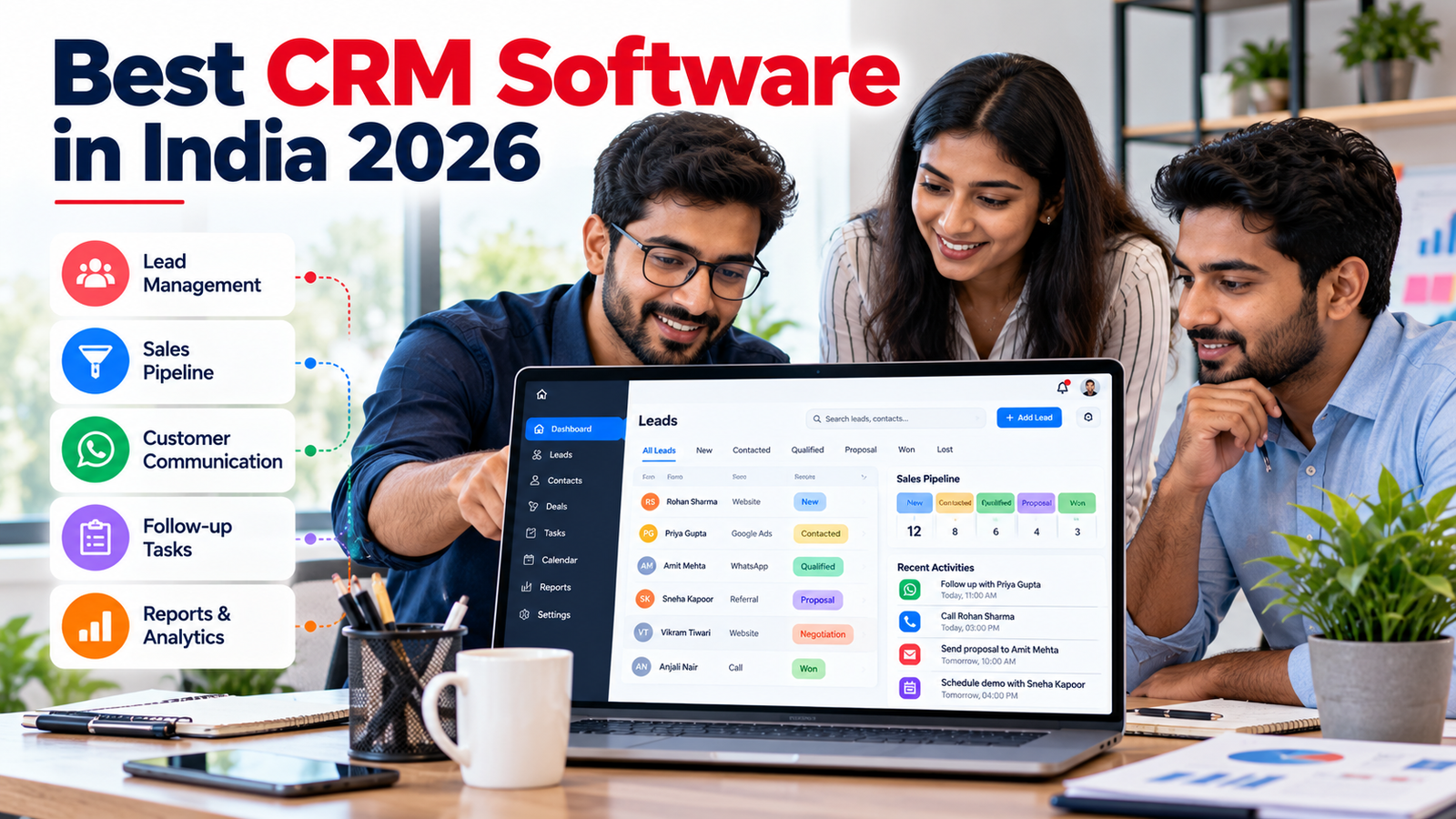
A CRM acts as the central record for leads, conversations, sales assignments, and follow-up tasks.
Before selecting a platform, confirm that it supports the official WhatsApp Business Platform and the lead sources your company uses.
Evaluate whether the system provides a shared inbox, automated workflows, lead segmentation, approved-template management, opt-out handling, reporting, and human handoff.
Some businesses may consider an India-focused solution such as Telemantix, which advertises lead management, sales pipelines, a shared WhatsApp inbox, and automation capabilities.
Other businesses may prefer a different CRM or WhatsApp solution provider based on their existing systems.
For a broader comparison, read Best CRM Software for Small Businesses in India on Revotrads.
Step 3: Set Up an Official WhatsApp Business Platform Account
The setup process generally involves a Meta business environment, a WhatsApp Business Account, an eligible phone number, and a supported API integration or service provider.
Additional business verification or configuration requirements may apply depending on the account and functionality.
Before connecting the account, confirm whether the selected provider supports the phone-number setup and migration path your business needs.
Avoid unofficial tools that automate personal WhatsApp sessions or bypass platform restrictions. Such approaches may create account, privacy, and operational risks.
Step 4: Collect Appropriate Customer Opt-In
Customer permission is fundamental to responsible WhatsApp outreach.
If your website collects phone numbers for sales enquiries, clearly explain whether customers may receive WhatsApp messages and what types of communication to expect.
An illustrative opt-in statement is:
“I agree to receive WhatsApp messages from [Business Name] about my enquiry, relevant follow-ups, and requested product information. I can opt out at any time.”
For marketing promotions, consider a separate, specific opt-in rather than treating every enquiry as consent to ongoing advertising.
Keep records of the consent wording, timestamp, source, and customer preference.
A phone number obtained from a directory or spreadsheet should not automatically be treated as permission for promotional WhatsApp messaging.
Step 5: Connect Your Lead Sources to the CRM
Once the CRM and messaging account are configured, connect the channels through which enquiries arrive.
A typical website integration might send a lead’s name, phone number, requested service, lead source, consent status, and enquiry timestamp into the CRM.
The system should check for duplicate contacts before creating a new record.
It should also validate phone-number formatting, record the source accurately, and avoid unnecessary collection of personal information.
Step 6: Create a Lead Follow-Up Workflow
A practical workflow should distinguish between a new enquiry, an active conversation, a qualified opportunity, and a closed or inactive lead.
For example:
Trigger: A customer submits an enquiry and has valid WhatsApp opt-in.
Action 1: Create or update the CRM lead.
Action 2: Assign the lead to an appropriate salesperson.
Action 3: Send an approved WhatsApp template if business-initiated messaging is appropriate.
Action 4: Create a salesperson follow-up task.
Action 5: Wait for a customer response or the next eligible follow-up event.
Action 6: If the customer responds, pause the automated sequence and route the conversation appropriately.
Action 7: If the customer opts out or the lead closes, stop further follow-up messages.
Do not configure a sequence that sends repeated messages regardless of customer preference or previous responses.
Step 7: Create and Submit WhatsApp Message Templates
The WhatsApp Business Platform uses approved templates for business-initiated messaging and communication outside the customer service window.
Templates have categories such as marketing, utility, and authentication.
A promotional sales follow-up is generally a marketing use case. A business should not label promotional content as a utility message simply to obtain different pricing or treatment.
Template approval depends on Meta’s policies, category rules, and review process.
Example 1: New Enquiry Acknowledgement
“Hello {{1}}, thank you for contacting {{2}} about {{3}}. Our team has received your enquiry. Would you prefer a callback or more details here?”
Use this only with appropriate permission and the approved template category required for the message.
Example 2: Product Information Follow-Up
“Hi {{1}}, following your enquiry about {{2}}, would you like us to share the available options or arrange a call? Reply STOP if you do not want further WhatsApp follow-ups.”
Example 3: Demo Appointment Reminder
“Hello {{1}}, this is a reminder about your scheduled product demonstration on {{2}} at {{3}}. Please reply if you need to reschedule.”
An appointment reminder tied to an existing transaction or requested service may have different categorization from a promotional message. The final category must match the actual content and Meta’s rules.
Example 4: Quotation Follow-Up
“Hello {{1}}, we’re following up on the quotation you requested for {{2}}. Please let us know if you have any questions or would like to discuss the details.”
The correct template category depends on context and whether the message includes promotional content.
Step 8: Configure Timing and Frequency
A follow-up schedule should reflect customer expectations and the sales process.
For example, a customer who requested an urgent quotation may reasonably expect a prompt response.
A customer who has already declined an offer should not continue receiving reminders.
An illustrative sequence could be:
| Timing | Suggested Action | Important Condition |
|---|---|---|
| Immediately after enquiry | Create lead and assign salesperson | Always validate source and consent |
| Shortly after enquiry | Send acknowledgement if permitted | Approved template when required |
| Later the same day | Create call or reply task | Avoid unnecessary duplicate messages |
| Next business day | Send a relevant follow-up if permitted | Check response, opt-in, and template rules |
| Several days later | Final optional follow-up | Stop if no continuing basis or customer opts out |
| After response | Route to human salesperson | Pause generic automated sequence |
These intervals are illustrative, not a proven conversion-optimized schedule.
Businesses should test communication frequency carefully and monitor customer feedback.
Step 9: Add Human Handoff
Automation works best when customers can reach a real person easily.
A customer may ask for a custom quotation, raise a complaint, request a refund, or negotiate a contract.
The workflow should identify such cases and assign them to a representative.
A useful automation system makes human support easier to access rather than forcing customers through repetitive chatbot menus.
Step 10: Measure and Improve Performance
Once the workflow is active, review results regularly.
Track whether leads are assigned promptly, whether customers respond, and whether the follow-up process helps employees manage opportunities more consistently.
Avoid evaluating success only by the number of messages sent.
A smaller number of relevant messages may produce a better customer experience than a large automated campaign.
Practical WhatsApp Follow-Up Automation Examples for Indian Businesses
Example 1: Real Estate Agency
A prospective buyer submits a property enquiry through an advertising campaign.
The CRM records the property of interest, location, contact information, and communication permission.
An appropriate acknowledgement is sent, and the lead is assigned to a sales executive.
The salesperson receives a task to discuss budget, preferred location, and site-visit availability.
If the customer books a site visit, the CRM updates the opportunity stage and can trigger an eligible appointment reminder.
If the customer asks not to be contacted again, promotional follow-ups stop.
Example 2: Digital Marketing Agency
A business owner submits a request for SEO services.
The CRM creates a new lead and records the requested service.
An eligible WhatsApp message acknowledges the enquiry and offers a consultation.
The assigned sales representative reviews the website and prepares relevant questions.
After the consultation, the CRM schedules a proposal follow-up.
The automation pauses when the customer responds or the salesperson takes over.
Example 3: Education and Coaching Institute
A student enquires about a training program.
The CRM captures the course, preferred batch, and contact details.
A permitted message shares the next steps or offers a counselling appointment.
The system can remind staff to follow up on incomplete applications and send appropriate service-related reminders when allowed.
Marketing campaigns for unrelated courses should be handled separately and only with appropriate permission.
Example 4: Cloud Hosting Provider
A customer requests information about a VPS hosting plan.
The CRM records the required operating system, estimated resources, and contact information.
An approved acknowledgement can confirm that the enquiry was received.
A technical sales representative then discusses server specifications, billing, deployment requirements, and support.
The CRM tracks whether a quotation was sent and whether further assistance is needed.
This creates a structured sales process without relying on repeated generic promotional messages.
WhatsApp Automation Tools for Small Businesses in India
Businesses can choose between a CRM with integrated WhatsApp capabilities, a dedicated WhatsApp messaging provider, or a custom API integration.
| Solution Type | Suitable For | Main Consideration |
|---|---|---|
| CRM with WhatsApp integration | Sales teams managing leads and follow-ups | Confirm native features, provider dependency, and message costs |
| WhatsApp solution provider | Businesses prioritizing messaging workflows | Confirm CRM integrations and human handoff |
| CRM plus integration platform | Businesses connecting multiple applications | Additional maintenance and subscription costs |
| Custom WhatsApp API integration | Teams with specialized technical requirements | Development, security, monitoring, and maintenance |
Examples worth evaluating include Telemantix, compatible Zoho CRM implementations, and established WhatsApp Business Platform solution providers.
The right choice depends on integration requirements, team size, technical resources, and budget.
How Much Does WhatsApp Lead Follow-Up Automation Cost in India?
The total cost typically includes the CRM subscription, WhatsApp messaging charges, any solution-provider fees, implementation work, and ongoing maintenance.
Meta’s WhatsApp Business Platform pricing changed in October 2026, including changes affecting service and utility messaging.
For Indian recipients, published October 2026 rates reported for certain message categories include approximately ₹0.8631 for marketing templates and ₹0.115 for utility or authentication messages. These rates exclude taxes and any additional provider charges.
Businesses should confirm the latest official rate card and their provider’s billing terms before estimating a campaign budget.
Illustrative Marketing Message Cost
Suppose a business delivers 1,000 marketing template messages to Indian recipients.
At an illustrative rate of ₹0.8631 per delivered message:
1,000 × ₹0.8631 = ₹863.10
This is the message charge before applicable taxes, provider markups, subscription fees, and other costs.
It is not a complete automation quotation.
Cost Components to Compare
| Component | What to Check |
|---|---|
| CRM subscription | Monthly or annual licensing |
| WhatsApp messaging | Current rates by message type and destination |
| Solution provider | Platform fees, markups, and minimum commitments |
| Additional users | Per-user or organization-wide pricing |
| Automation | Workflow and execution limits |
| Integrations | Lead-source connectors and API access |
| Implementation | Setup, migration, and training |
| Support | Included support and paid assistance |
WhatsApp Automation and Data Privacy in India
Lead follow-up automation involves personal data such as customer names, phone numbers, enquiry details, and conversation history.
Businesses should evaluate their responsibilities under India’s Digital Personal Data Protection Act, 2023, and the Digital Personal Data Protection Rules, 2025, taking account of the phased commencement of different provisions.
Privacy practices should include clear notices, appropriate permissions, limited data collection, secure access, retention policies, and a process for handling customer requests.
Businesses should also review vendor contracts, data hosting, third-party integrations, and account access controls.
WhatsApp’s own business messaging requirements apply independently of India’s data protection framework.
A legally permitted processing activity does not necessarily authorize an unsolicited WhatsApp marketing message.
Similarly, an approved WhatsApp template does not by itself establish that the business has the necessary customer permission.
Common WhatsApp Follow-Up Automation Mistakes
Sending Messages Without Appropriate Permission
Purchasing contact lists or messaging people who have not agreed to relevant outreach can create privacy and platform compliance risks.
Sending Too Many Follow-Ups
Repeated promotional messages can annoy customers and increase blocks or complaints.
Using the Wrong Message Template Category
Promotional content should not be disguised as transactional or utility communication.
Ignoring Customer Replies
Automation should pause or adapt when a customer responds. Continuing the same generic sequence can create a poor experience.
Failing to Offer Human Support
Customers should have a clear way to reach a representative when automated responses are insufficient.
Not Updating CRM Lead Status
A customer who has already purchased, declined, or requested no further contact should not remain in an active promotional sequence.
Ignoring Messaging Costs
Businesses should monitor delivered-message charges and total platform expenses, not just CRM subscription fees.
Using Unofficial Automation Tools
Tools that bypass official messaging mechanisms may expose businesses to account restrictions and security risks.
How to Measure WhatsApp Lead Follow-Up Performance
A well-designed automation workflow should improve visibility into the sales process.
Useful metrics include:
| Metric | What It Measures |
|---|---|
| Lead response time | Time from enquiry to first meaningful response |
| Lead assignment time | Time required to assign an enquiry |
| Follow-up completion rate | Share of required follow-up tasks completed |
| Customer reply rate | Share of delivered outreach receiving a response |
| Qualified lead rate | Share of enquiries meeting sales criteria |
| Appointment booking rate | Share of leads booking a consultation or demo |
| Lead-to-customer conversion | Share of leads becoming customers |
| Opt-out rate | Share of contacted customers declining further messages |
| Cost per qualified lead | Total relevant costs divided by qualified leads |
Metrics should be interpreted together.
A high reply rate is not necessarily valuable if the messages generate complaints or unqualified conversations.
Similarly, a lower message volume can be positive if sales representatives spend more time with relevant prospects.
How to Start WhatsApp Follow-Up Automation With a Small Budget
A small business does not need to automate every customer interaction immediately.
Start by centralizing leads in a CRM and assigning clear ownership to each enquiry.
Then implement one simple workflow, such as acknowledging eligible new enquiries and creating follow-up tasks.
Once the team uses the process consistently, introduce approved message templates, shared inbox workflows, and reporting.
Test with a small, appropriately opted-in group before expanding.
Review the results and customer feedback before adding more complex automation.
This phased approach can reduce implementation errors and unnecessary messaging costs.
Frequently Asked Questions
1. Can I automate WhatsApp lead follow-ups in India?
Yes. Businesses can use the official WhatsApp Business Platform and compatible CRM or automation tools, subject to applicable consent, template, and messaging rules.
2. Do I need the WhatsApp Business API for automation?
Basic greeting and away messages are available in the WhatsApp Business app. CRM-driven messaging and scalable workflow automation generally use the WhatsApp Business Platform.
3. Can I send automatic WhatsApp messages to website leads?
Potentially, if the business has the appropriate permission and uses an approved template when required. Submitting a website form does not automatically open the 24-hour WhatsApp customer service window.
4. What is the 24-hour WhatsApp rule?
A customer message opens a 24-hour customer service window. Outside that window, business-initiated messaging through the platform requires approved templates.
5. Is WhatsApp follow-up automation free?
Not necessarily. Businesses may incur CRM subscription fees, messaging charges, provider fees, and implementation costs.
6. Which CRM is suitable for WhatsApp lead follow-ups in India?
Evaluate a CRM based on official WhatsApp integration, shared inbox capabilities, lead-source connections, automation, pricing, and human handoff. Telemantix is one option to investigate.
7. Can WhatsApp automation integrate with Google Ads?
Some CRM and integration platforms support Google Ads lead capture. The exact integration and data fields depend on the products involved.
8. Can WhatsApp automation integrate with Meta Lead Ads?
Yes, supported CRM integrations can capture Meta Lead Ads enquiries and trigger subsequent workflows when messaging requirements are met.
9. Can I automate quotation follow-ups on WhatsApp?
Yes, where the messaging is permitted and uses the appropriate template or open-window reply. The correct template category depends on the content and context.
10. Can I use WhatsApp automation for real estate leads?
Yes. Real estate businesses can use CRM workflows for enquiry management, site-visit coordination, and appropriate follow-ups, subject to consent and platform rules.
11. How many follow-up messages should I send?
There is no universally appropriate number. Frequency should reflect customer expectations, relevance, engagement, and opt-out preferences.
12. Can automation replace a sales executive?
No. Automation can handle repetitive tasks and routine communication, but human employees remain important for qualification, negotiation, problem-solving, and relationship building.
13. How do I stop messages after a customer replies?
Configure the CRM workflow to detect inbound messages, pause the automated sequence, and route the conversation to an appropriate representative.
14. Can customers opt out of automated WhatsApp messages?
Yes. Businesses should provide clear opt-out instructions and promptly honor customer preferences.
15. How can I measure the ROI of WhatsApp follow-up automation?
Compare relevant costs with qualified leads, appointments, conversions, and attributable revenue. Avoid attributing every sale to automation without supporting evidence.
Final Thoughts
WhatsApp lead follow-up automation can help Indian small businesses create a more organized and consistent sales process.
By connecting lead sources, CRM records, approved WhatsApp messaging, follow-up tasks, and human support, businesses can reduce operational gaps and improve visibility into customer enquiries.
However, effective automation is not about sending the maximum number of messages.
It is about contacting the right customer with relevant information, at an appropriate time, with proper permission and a clear route to human assistance.
Start with a simple workflow, test it carefully, monitor customer feedback, and expand only when the process delivers measurable value.
For small businesses in India, the goal should be better customer communication—not more automated messages.
Related Reading
Best CRM Software for Small Businesses in India (2026)
https://revotrads.com/blog/tech/best-crm-software-india/