In today’s world, CCTV surveillance systems are essential for homes, offices, and commercial spaces. But as cameras run 24/7, they generate huge amounts of footage that quickly fill up local storage devices like DVRs and NVRs. The solution is Automatic CCTV cloud storage.
In this 2025 guide, we’ll explain how to automatically upload CCTV recordings to the cloud, why it’s the smartest move for data security, and which tools and strategies make it simple.
Why Move CCTV Recordings to the Cloud Storage?
Traditional CCTV setups store data on hard drives, SD cards, or network video recorders (NVRs). These have two big problems:
- Limited storage capacity
- High risk of data loss from theft, damage, or failure
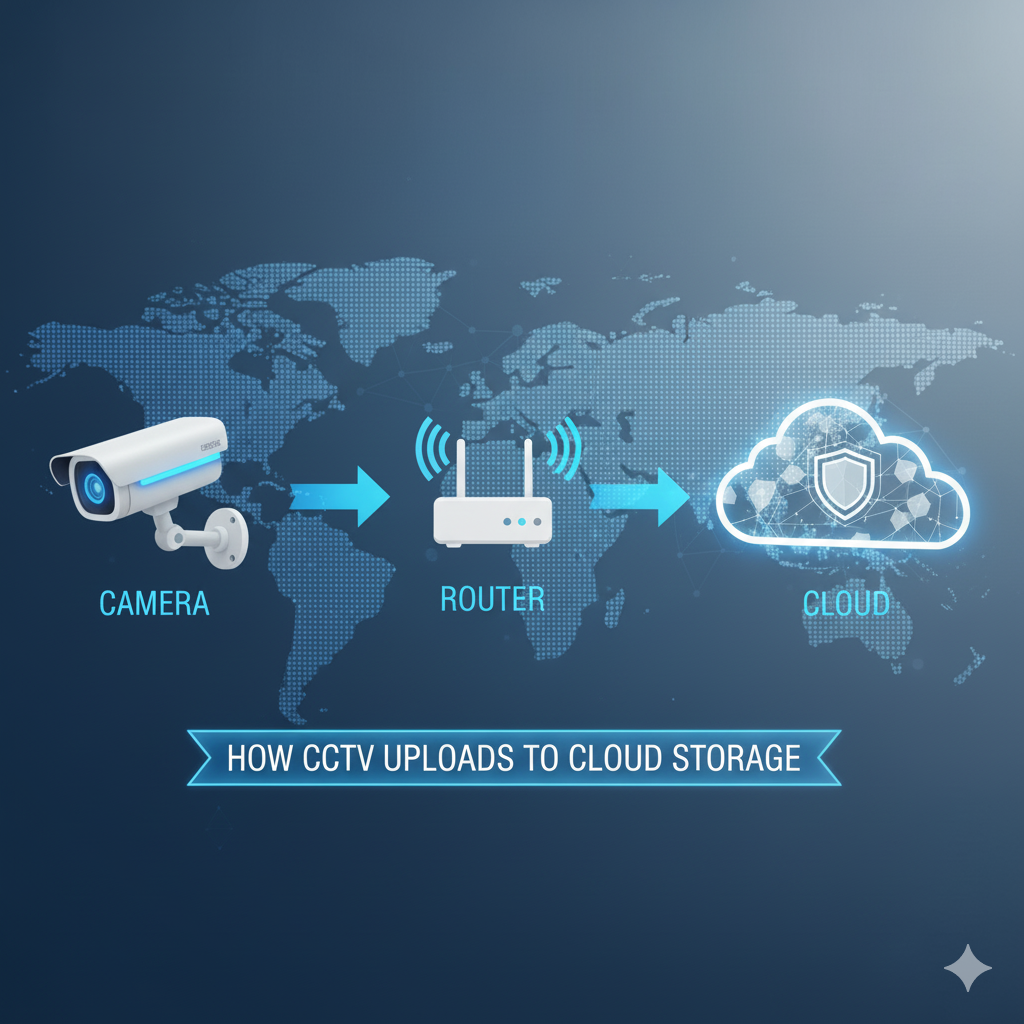
Cloud storage solves both by automatically uploading your CCTV footage to the cloud, you can:
- Access recordings remotely anytime, anywhere
- Scale storage without buying extra hardware
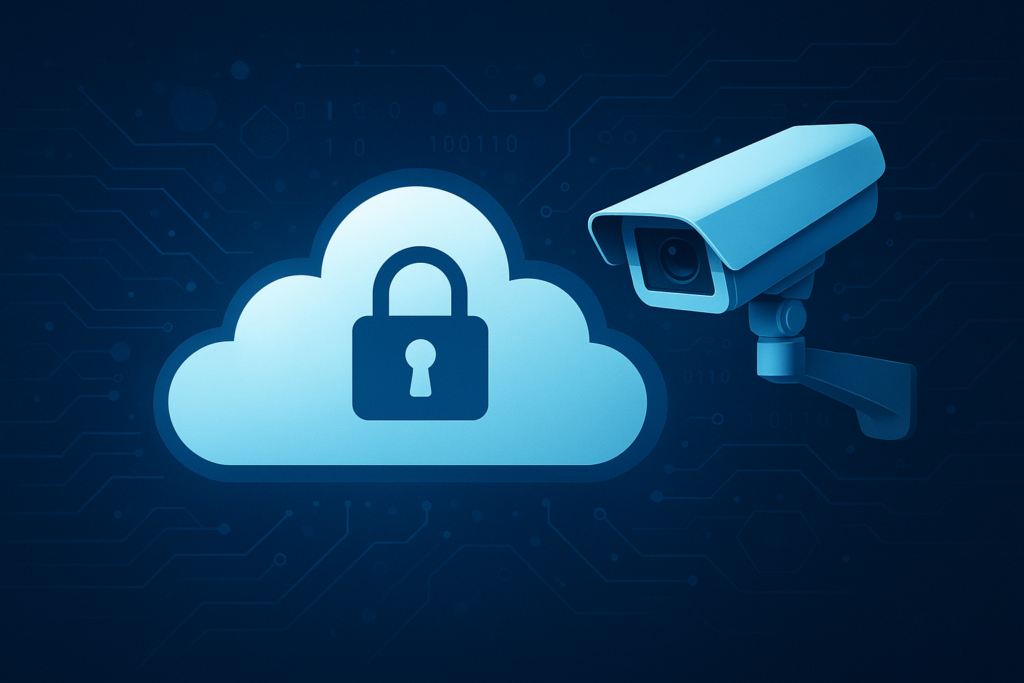
- Secure footage with encrypted, off-site backups
- Easily share and retrieve video files when needed
Benefits of Automatic Cloud Uploads for CCTV Camera
| Benefit | Description |
|---|---|
| Data Security | Cloud platforms use encryption to protect your recordings from unauthorized access. |
| Remote Access | View live feeds or playback recordings via web or mobile apps. |
| Storage Scalability | Expand capacity without replacing hardware. |
| Disaster Recovery | Even if your local DVR fails, footage remains safe in the cloud. |
| Automated Uploads | Set it once — your system will back up automatically. |
How to Automatically Upload CCTV Footage to Cloud Storage
Here’s a simple step-by-step guide to connect your security camera system with the cloud.
1. Choose the Right Cloud Storage Platform
Select a reliable cloud provider that supports video file uploads and automatic syncing.
Popular options include:
- Google Drive / Google Cloud Storage
- AWS S3 (Amazon Web Services)
- Dropbox Business
- Microsoft OneDrive
- Dedicated CCTV Cloud Platforms (like Angelcam, Ivideon, or Reolink Cloud)
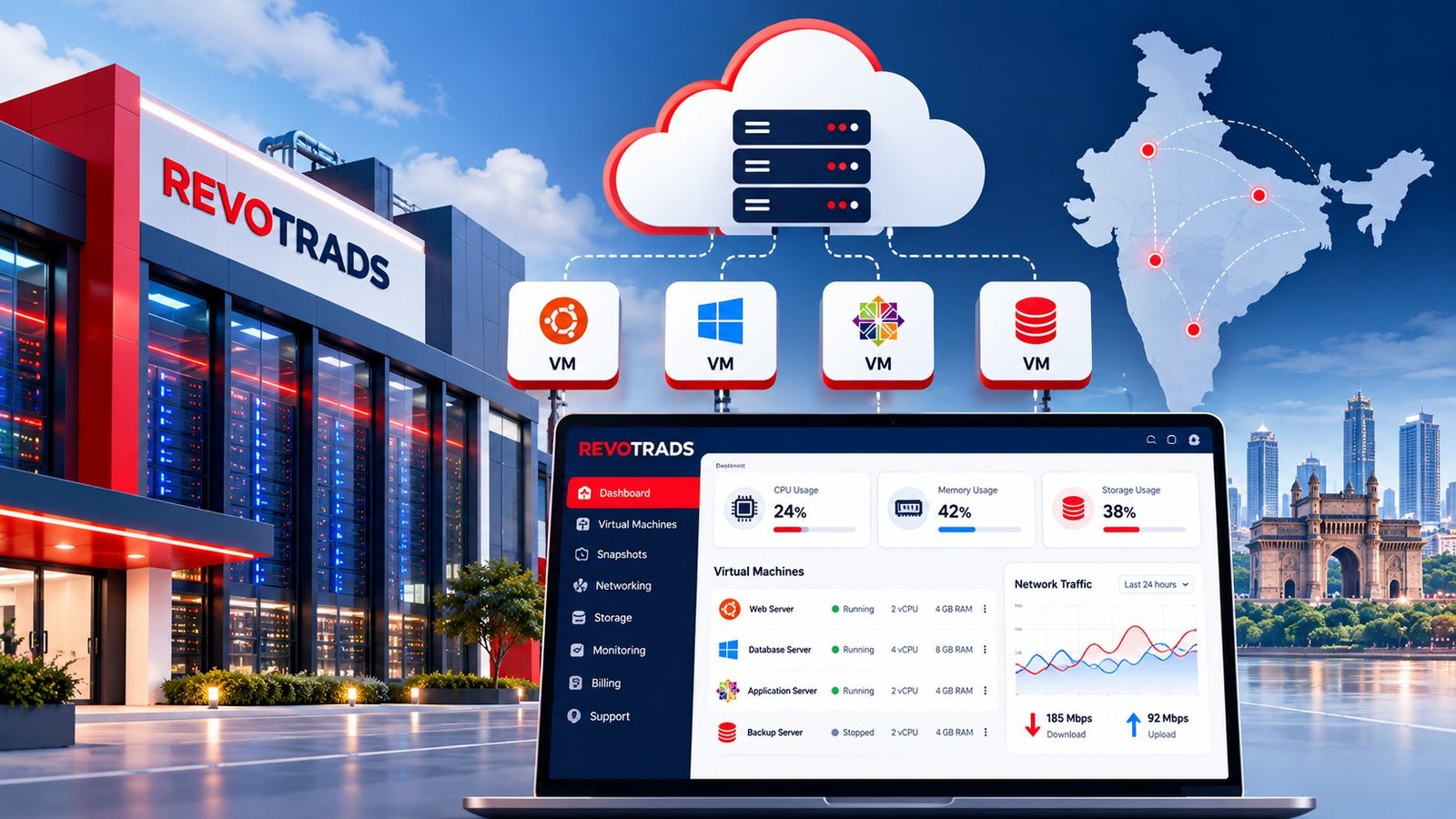
If your business already uses a hosting or IT provider like Revotrads, check if they offer custom cloud storage or private cloud servers for CCTV data — this ensures higher control and security.
2. Use Compatible DVR/NVR or IP Cameras
Most modern DVRs and IP cameras support FTP or cloud upload options.
- Go to your camera’s settings
- Look for “Cloud Upload,” “FTP,” or “Network Storage” options
- Enter your cloud server credentials
If your system doesn’t have built-in support, you can use a sync application (like Synology Cloud Sync or Rclone) to automate the upload process.
3. Automate Uploads with Smart Software
Use software that automatically uploads new recordings as soon as they’re saved.
Some examples:
- Rclone (free, open-source tool for automatic uploads to Google Drive, AWS, etc.)
- Synology Surveillance Station (for NAS-based CCTV systems)
- Camera manufacturer apps like Hik-Connect, Reolink, or Dahua Cloud
You can schedule uploads hourly, daily, or in real-time depending on bandwidth and storage needs.
4. Ensure Network Stability
Uploading video files consumes bandwidth. For smooth cloud uploads:
- Use a stable high-speed internet connection (minimum 10 Mbps recommended)
- Enable motion-based recording to reduce unnecessary uploads
- Compress or optimize video quality if bandwidth is limited
5. Set Storage Rules & Retention Policies
Most cloud platforms allow you to define how long recordings stay stored.
Example:
- Keep 7-day backup for low-priority cameras
- Keep 30-day or 90-day backup for high-security areas
Automatic deletion policies save space and reduce Cloud storage costs.
Security Best Practices for Cloud CCTV
Protect your video footage with these key security steps:
- Enable two-factor authentication (2FA) on your cloud account
- Encrypt data before upload (especially for sensitive footage)
- Restrict access to authorized users only
- Monitor storage activity logs regularly
For enterprise setups, opt for ISO-certified cloud hosting providers or private cloud servers from trusted partners like Revotrads.
Pro Tip: Integrate AI & Analytics

In 2025, many smart CCTV systems use AI analytics to detect motion, identify faces, or alert you about unusual activity.
Storing your footage in the cloud enables AI-based monitoring tools to analyze recordings faster and generate actionable insights – from crowd analysis to vehicle detection.
Cloud vs. Local CCTV Storage: Quick Comparison
| Feature | Cloud Storage | Local Storage |
|---|---|---|
| Accessibility | Anytime, anywhere | Only on-site |
| Security | Encrypted & off-site | Risk of theft or damage |
| Cost | Subscription-based | One-time hardware cost |
| Scalability | Easy to upgrade | Hardware-dependent |
| Maintenance | Managed by provider | User-managed |
Future of CCTV Cloud Storage in 2025 and Beyond
The CCTV industry is rapidly shifting toward cloud-first solutions. With 5G connectivity, smarter compression, and AI-powered cameras, cloud-based surveillance is becoming faster, cheaper, and more secure.
By 2025, expect to see:
- Fully automated cloud uploads
- Integration with AI-driven video analytics
- Edge computing for faster processing
- Subscription-based security ecosystems
For entrepreneurs, this means a huge opportunity to adopt or offer smart surveillance services with scalable cloud infrastructure.
Future Prediction: By 2030, CCTV cloud storage will evolve into an intelligent, self-learning ecosystem. AI will not just store and analyze video but also predict potential security threats using behavioral analytics. Cameras will communicate with IoT-enabled devices to trigger automated responses – like alerting law enforcement or locking down facilities in real time. Furthermore, blockchain-based storage verification will ensure tamper-proof footage integrity, making digital evidence more reliable in legal and corporate investigations. **fer smart surveillance services with scalable cloud infrastructure.
Final Thoughts
Automatically uploading CCTV recordings to cloud storage isn’t just a convenience — it’s a security necessity in 2025.
Whether you’re protecting a retail shop, warehouse, or corporate office, cloud integration ensures your data remains safe, accessible, and future-proof.
If you’re looking for secure and scalable cloud storage for CCTV footage, Revotrads offers customizable cloud hosting solutions that can be integrated easily with your camera systems.