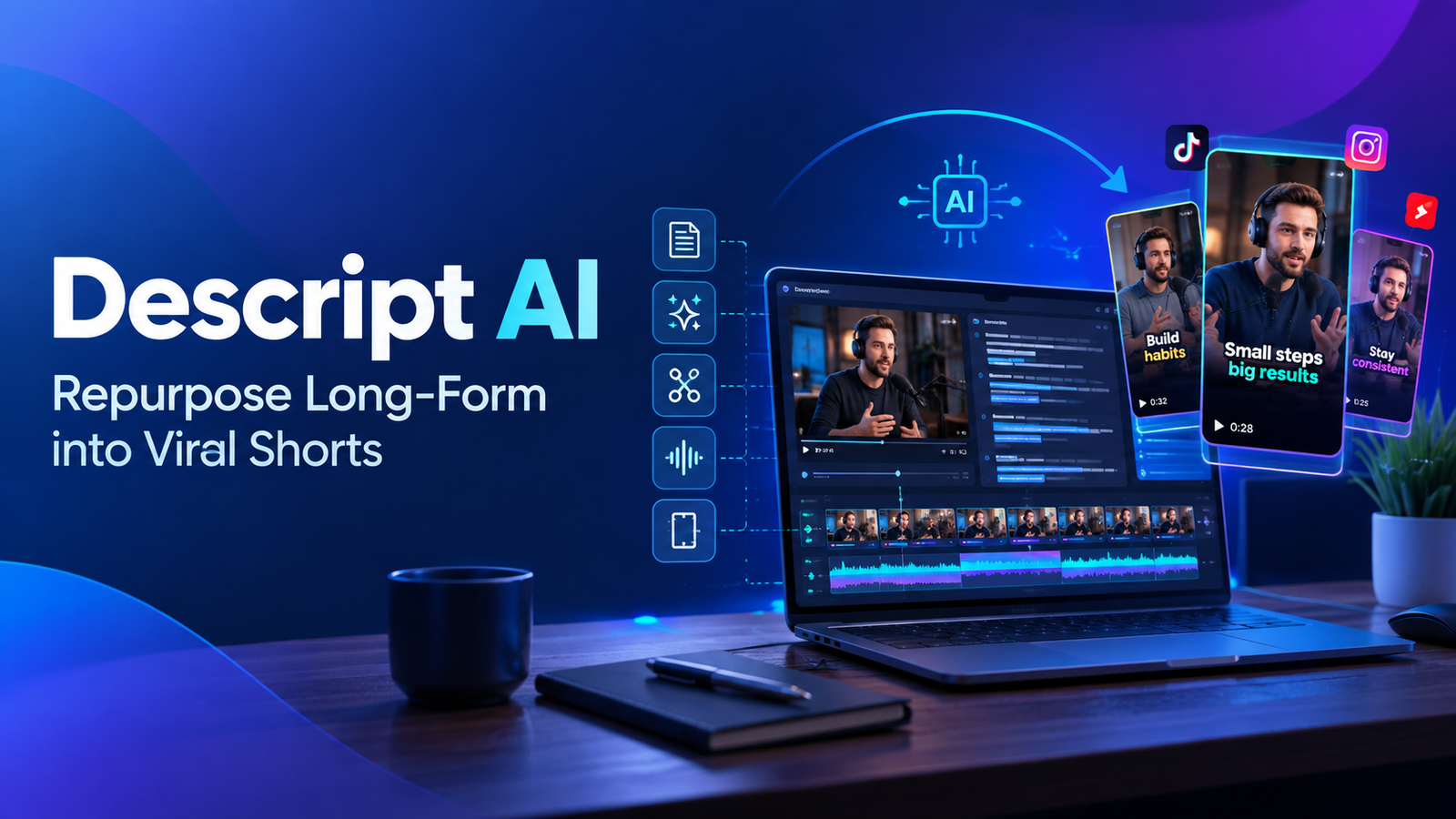
In today’s content-saturated world, standing out requires consistent, high-quality output across multiple platforms. While long-form content like podcasts, webinars, and detailed YouTube videos are essential for building authority, short-form video (think TikTok, Instagram Reels, YouTube Shorts) is the undisputed king for reach and engagement. The problem? Manually chopping up hours of content into snappy, digestible clips is a time-consuming nightmare.
What if you could turn a 60-minute interview into 10 viral-ready shorts in a fraction of the time? Enter Descript AI, a game-changer for freelancers, marketers, founders, and creators looking to maximize their content mileage without sacrificing their sanity.
The Content Repurposing Challenge: Why It’s Hard & Why It Matters
Creating compelling long-form content demands significant effort. Once it’s out there, you want to get the most bang for your buck. Repurposing allows you to:
- Reach new audiences: Short-form algorithms favor discoverability.
- Stay consistent: Keep your feeds fresh without constant new content creation.
- Reinforce key messages: Drive home core ideas from your longer pieces.
- Save time & resources: Leverage existing assets rather than starting from scratch.
Historically, this meant hours spent scrubbing through timelines, manually cutting, adding captions, and ensuring flow. It was a tedious, expert-level editing task. Not anymore.
Unlock Efficiency: How Descript AI Changes the Game
Descript is an all-in-one audio and video editor that lets you edit media by editing its automatically generated transcript. This unique approach, combined with powerful AI features, makes it the ultimate tool for content repurposing.
Here’s how Descript empowers you to transform your lengthy content into engaging short-form masterpieces:
Step-by-Step: From Long-Form to Viral Short with Descript AI
Step 1: Import Your Long-Form Content
Start by uploading your video file (MP4, MOV, etc.) or audio file (MP3, WAV) into a new Descript project. Descript handles files of virtually any length.
Action: Drag & drop your file into Descript or use 'File > Import'.Step 2: Automated Transcription (The Magic Begins!)
Once imported, Descript automatically transcribes your entire audio or video, converting spoken words into editable text. This is the foundation of its revolutionary workflow.
Tip: Ensure your audio quality is good for optimal transcription accuracy. You can correct any transcription errors directly in the text.Step 3: Identify Key Moments and Golden Nuggets
Instead of watching the entire video, simply read the transcript. Look for compelling quotes, actionable advice, humorous anecdotes, or crucial insights that would make a great short clip. You can highlight text segments as you read.
Pro Tip: Use Descript's 'Find' feature (Ctrl/Cmd + F) to search for specific keywords or topics mentioned in your content. Many creators also use AI like ChatGPT to summarize their transcript first, then pinpoint sections in Descript.Step 4: Edit Like Text (Cut, Copy, Paste)
This is where Descript truly shines. To create a short clip, simply select the text corresponding to the segment you want to use, and copy it. Then, create a new ‘Scene’ or ‘Composition’ and paste the text. Descript automatically pulls the corresponding video and audio!
- Remove Filler Words: Descript can automatically detect and remove ‘ums,’ ‘uhs,’ ‘you knows,’ and other filler words with a single click. Go to the ‘Actions’ menu > ‘Remove Filler Words’.
- Silence Removal: Speed up your content by removing awkward pauses. Descript can identify and cut these automatically.
- Trim & Tighten: Easily shorten sentences or phrases by deleting words from the transcript, just like you’d edit a document.
Action: Select text > right-click > 'Create New Composition From Selection' or simply copy & paste text into a new composition. Use 'Actions' menu for AI-powered cleanups.Step 5: Enhance with AI & Visuals
Once you have your core clip, Descript offers several features to make it pop for social media:
- Studio Sound: Instantly improve audio quality, making it sound like it was recorded in a professional studio.
- Eye Contact (beta): If you’re looking away, Descript can subtly adjust your gaze to appear as if you’re looking directly at the camera.
- Aspect Ratio: Easily change your video to 9:16 (vertical) for Reels/TikTok, or 1:1 for Instagram posts, without leaving the editor.
- Visual Elements: Add text overlays, progress bars, sound waves, stock media, or simple animations to increase engagement.
Action: Apply 'Studio Sound' from the audio effects. Use the canvas settings to adjust aspect ratio. Add 'Text' or 'Shapes' from the 'Insert' menu.Step 6: Automatic Captions & Accessibility
Crucial for short-form video, Descript can generate dynamic, animated captions for your clips with a click. This ensures your content is accessible and engaging even when watched without sound.
Action: Select 'Text' > 'Captions' > 'Fancy Captions' for engaging animations. Customize fonts, colors, and animations.Step 7: Export for Social Media
Once your short is polished, export it in high quality. Descript allows you to choose specific export settings optimized for various social media platforms.
Action: Click 'Publish' > 'Export' > Choose 'Video' and select your desired resolution and quality.Who Benefits from Descript’s Repurposing Power?
- Podcasters: Turn interview highlights into short audio/video clips for promotion.
- YouTubers & Video Creators: Slice long videos into teasers, tips, or funny moments for Shorts and Reels.
- Online Educators & Coaches: Convert webinar snippets into bite-sized lessons or testimonials.
- Marketers: Repurpose client testimonials, product demos, or event highlights into engaging social ads.
- Founders & Business Owners: Share key insights from team meetings or industry events across your professional networks.
Start Maximizing Your Content Today
Descript AI isn’t just an editing tool; it’s a content multiplication engine. By streamlining the tedious process of repurposing, it frees up valuable time for creators, marketers, and businesses to focus on what they do best: creating impactful messages and connecting with their audience.
Stop letting your valuable long-form content gather digital dust. Dive into Descript and start transforming it into a stream of viral, engaging short videos that expand your reach and amplify your message.