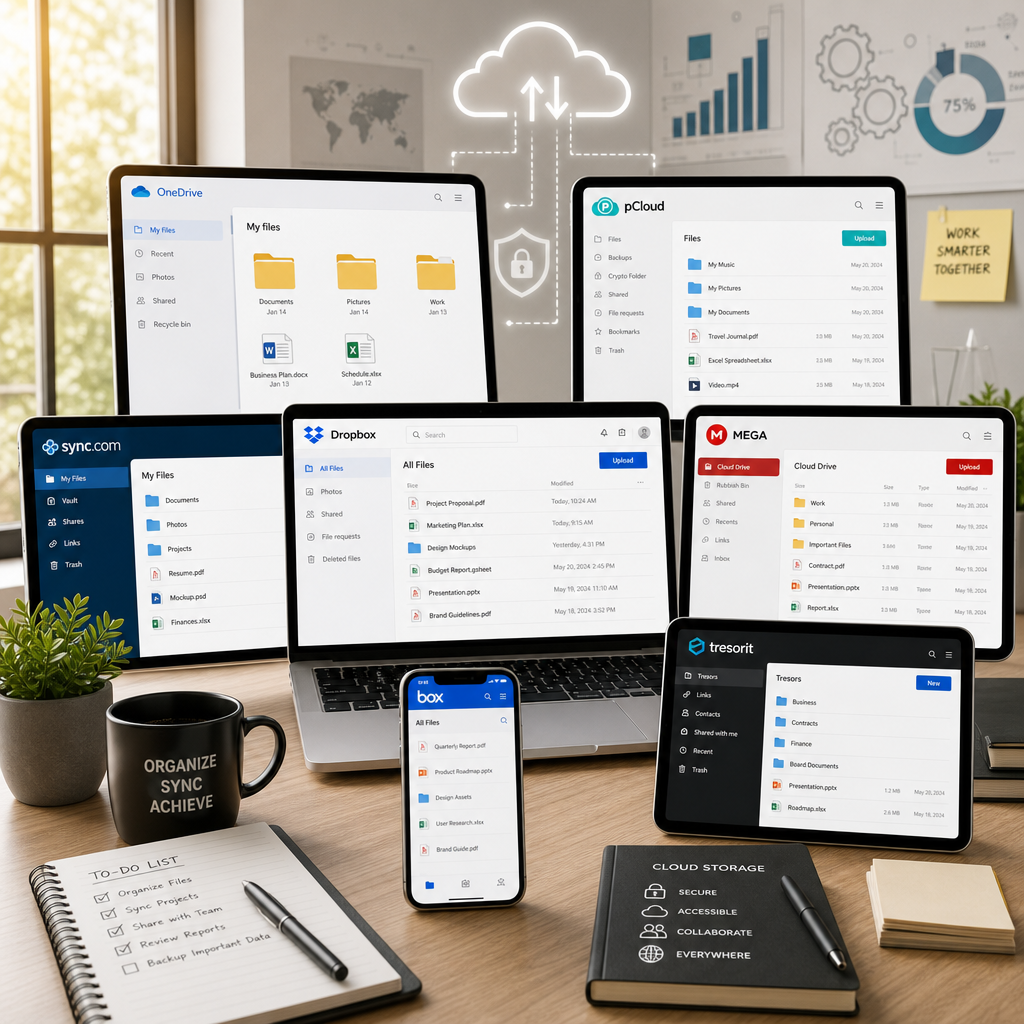
In today’s digital world, cloud storage has become an integral part of our lives. Google Drive has been a go-to option for many, but it is not without its limitations. Whether you are looking for more storage space, better security, or a more customizable interface, there are plenty of alternatives to consider. Let’s dive into the top 7 Google Drive alternatives that could better cater to your file management needs.
1. Dropbox
One of the oldest and most popular cloud storage services. Dropbox is renowned for its simplicity and ease of use. Although it started as a simple file-sharing service, it has grown into a comprehensive tool for personal and professional use.
Features:
- Cross-platform compatibility: Available on Windows, macOS, iOS, Android, and Linux.
- Smart Sync: Allows you to access all of your files without using up hard drive space.
- Excellent collaboration tools: Easily share documents and collaborate in real-time.
Why Choose Dropbox?
If you prioritize collaboration and ease of access to your files from multiple devices, Dropbox is an excellent choice. Its robust file management features make it a strong contender against Google Drive.
2. Microsoft OneDrive
Microsoft OneDrive is an obvious winner if you’re already invested in the Microsoft ecosystem. Integrated with Office apps, OneDrive ensures a smooth experience, especially for Windows users.
Features:
- Seamless integration with Microsoft Office: Work with Word, Excel, and PowerPoint directly from the cloud.
- Advanced security features: Personal Vault for critical files which provides an extra layer of security.
- Generous free storage: 5GB free, with affordable premium plans.
Why Choose Microsoft OneDrive?
If you are a Windows or Office user, then OneDrive is the most convenient choice for you. The built-in Office integration means less friction when handling documents, spreadsheets, and presentations.
3. pCloud
For those focused on security, pCloud offers some of the best features for safeguarding your files, all while maintaining great usability.
Features:
- Client-side encryption: Ensures only you can access your files.
- File versioning: Keeps copies of older versions of your files for recovery.
- Music playback: Integrated player for listening to your music directly from the cloud.
Why Choose pCloud?
If protecting your data is your top priority, pCloud’s encryption capabilities are unmatched. It’s also a great choice if you enjoy streaming music directly from your cloud storage.
4. Sync.com
Sync.com is a great choice for those who need a secure cloud solution without compromising on ease of use.
Features:
- Zero-knowledge encryption: The company cannot access your data.
- Extensive sharing options: Share files securely with non-Sync users.
- Generous free plan: Offers 5GB free with easy ways to earn more.
Why Choose Sync.com?
Choose Sync.com if data privacy and confidentiality are paramount to your business or personal storage needs. Its intuitive interface also makes it user-friendly for newbies.
5. Box
Box is ideal for businesses that require more than just storage. Offering enterprise-level file management and collaboration, Box is a great Google Drive alternative for business teams.
Features:
- Document workflow automation: Automate routine tasks within your organization.
- Seamless integration: Integrates with apps such as Salesforce, Office 365, and others.
- Strong content governance: Ensures compliance with industry standards and regulations.
Why Choose Box?
If your organization needs robust, collaborative tools with tight security, Box is the solution. Its wide range of integrations and workflow automation can significantly enhance productivity across teams.
6. MEGA
If you need lots of free storage and enhanced security features, MEGA stands out as one of the best options.
Features:
- 50GB free storage: One of the most generous free plans available.
- End-to-end encryption: Files are encrypted individually, providing an additional layer of security.
- Secure communications: Includes secure chat functionality.
Why Choose MEGA?
MEGA is excellent for users who need large amounts of free storage while ensuring their data is secure. It’s especially beneficial for individuals or small organizations on a tight budget.
7. iDrive
For users who need backup functionality in addition to cloud storage, iDrive provides a comprehensive solution that addresses both.
Features:
- Complete backup solution: Backup PCs, Macs, and mobile devices.
- Continuous data protection: Automatic file syncing and periodic backups keep your files updated.
- File versioning support: Keeps previous versions of files, allowing for easy restoration.
Why Choose iDrive?
If you’re looking to combine cloud storage with extensive backup features, iDrive is an excellent choice. Its cross-platform availability and backup facilities are perfect for tech-savvy users and small businesses.
Conclusion
While Google Drive remains a popular choice for many, it doesn’t have to be your only option. Depending on your specific needs, any of these seven alternatives could offer the enhanced file management features you’re looking for. Whether it’s collaboration tools, more free storage, or top-level security that you require, there’s a service out there that can meet your requirements. Explore these options, and choose the one that aligns best with your workflow and priorities.