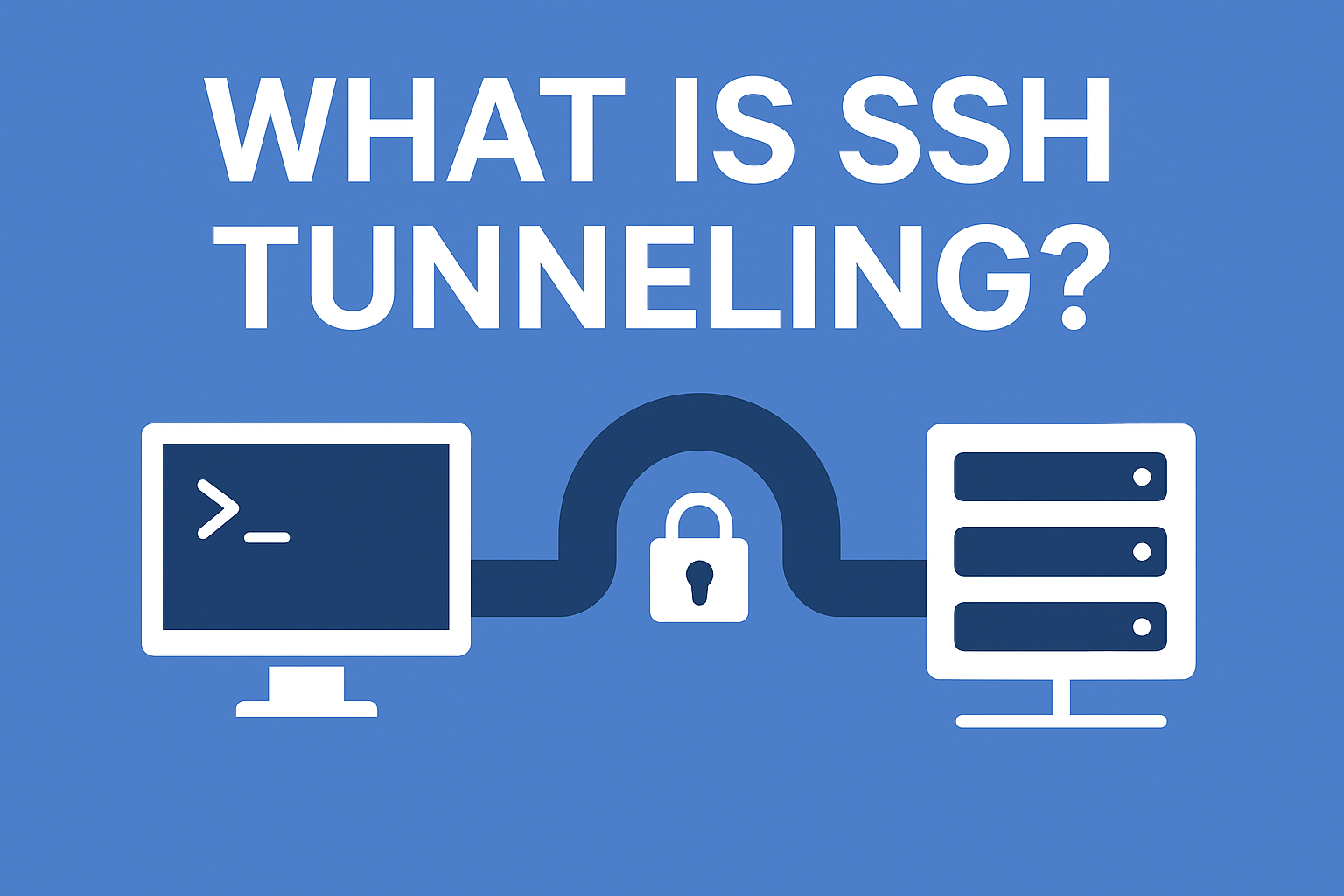
SSH tunneling, also known as Secure Shell tunneling, is a method of creating a safe and encrypted pathway between two network points so that data can move without the risk of interception. In the world of cybersecurity where surveillance, unauthorized packet capturing, and man-in-the-middle attacks are increasingly common, SSH tunneling acts as a digital security escort.
Just like confidential documents traveling in a sealed and locked carrier rather than an open envelope, SSH tunneling ensures your communication remains sealed from prying eyes. No external observer, not even internet service providers or public network administrators, can decode this traffic.
SSH was originally developed for secure remote administration of servers, but tunneling transformed it into a broader privacy mechanism used by enterprises, developers, and privacy-focused users.
How SSH Tunneling Actually Works
When a tunnel is initiated, SSH takes ordinary network traffic and wraps it inside its own encrypted shell. This means that even if someone manages to access the moving traffic, they only see unreadable cipher text instead of meaningful information.
Process Overview in Natural Terms
- You start an SSH connection to a server.
- The connection creates a secure, encrypted tunnel.
- Any data passing through that tunnel becomes scrambled (encrypted).
- Only the receiving SSH end can unlock (decrypt) the information.
This technique makes it nearly impossible for digital eavesdroppers to analyze who you are, what you are accessing, or which data is being transferred.
Why SSH Tunneling Matters Today
Modern digital environments aren’t just fast, they are dangerously transparent. Network data moves through countless routers, public access points, proxies, and cloud layers. Each point introduces a possibility of snooping or unauthorized capture. SSH tunneling reduces that exposure surface by ensuring communication is always packed inside a cryptographically shielded tunnel.
Organizations today use SSH not just to manage Linux servers but also to secure internal dashboards, billing panels, development environments, VoIP systems, and remote corporate databases.
Types of SSH Tunneling
SSH tunneling can take three essential forms. While they are often explained in technical jargon, their purpose is straightforward: to decide from which direction the data should travel securely.
| Type of Tunnel | What It Means | When It’s Useful |
|---|---|---|
| Local Port Forwarding | Routes local traffic securely to a remote network | Accessing company systems from home |
| Remote Port Forwarding | Allows external access to a local service | Sharing development server securely with remote clients |
| Dynamic Port Forwarding | Turns SSH into a secure proxy for all outbound traffic | Browsing safely on public Wi-Fi or bypassing restrictions |
Local Port Forwarding
If you are working from a home network and need access to an office billing dashboard, you can forward your local port to communicate securely with corporate servers. No open ports are publicly visible, reducing attack risks.
Remote Port Forwarding
Instead of pulling data inward, remote forwarding pushes access outward. For example, if a developer hosts a local test site on their laptop, remote forwarding allows a client across the world to review the site securely without exposing it publicly on the internet.
Dynamic Port Forwarding
This is the most flexible format. It turns SSH into a smart SOCKS proxy, encrypting all traffic from your browser. If you connect through airport Wi-Fi or a café network, dynamic forwarding ensures the network owner cannot log or sniff your sessions.
Benefits of SSH Tunneling
SSH tunneling is more than an encryption layer, it creates a secure zone of trust between communicating devices. Instead of being forced to adopt multiple third-party security tools, a single configured SSH tunnel can achieve:
- Complete traffic confidentiality
- Safe remote access to private services
- Traffic protection in unsecured public hotspots
- Confidential enterprise resource access
- Data integrity during transfers
In other words, SSH tunneling not only hides your data, it ensures it cannot be altered or injected with malicious payloads during movement.
Where SSH Tunneling Is Actively Used
SSH tunneling plays a central role across both everyday and advanced computing environments:
- Employees connecting remotely to organizational panels
- Developers testing internal code securely
- Administrators managing cloud servers
- Students bypassing university firewall restrictions
- Travelers securing hotel network browsing
- Companies shielding internal CRM, ERP, and accounting tools
- Secure email relay and database access
Rather than trusting public channels, SSH tunneling builds a private encrypted corridor where you and your destination system communicate directly.
SSH Tunneling vs VPN: A Real-World Comparison
Although VPNs and SSH tunnels might appear similar, they operate differently in scope and design. SSH provides encryption at a port or application level, while VPNs encrypt everything together.
| Feature | SSH Tunneling | VPN |
|---|---|---|
| Encryption Coverage | Specific apps or ports | Entire network connection |
| Usage Complexity | Requires configuration | One-tap setup |
| Ideal Users | Developers, sysadmins | Regular internet users, streaming |
| Speed | Often faster due to selective routing | Slight overhead due to full encryption |
| Flexibility | Excellent for port forwarding | Excellent for privacy access |
SSH tunneling is favored in development and system control, whereas VPNs are chosen by average users looking for general identity masking.
Security Considerations and Best Practices
Even though SSH tunneling is secure by design, its safety depends on how well it is configured.
Key Security Measures
- Use SSH keys instead of passwords.
- Disable root login when possible.
- Ensure servers run the latest SSH version.
- Rotate authentication keys regularly.
- Limit listening ports to required addresses.
When keys are protected and access rules are structured, SSH tunnels are among the most trusted secure channels in networking.
Example of Creating a Simple SSH Tunnel
A common tunneling use case is securely forwarding browser traffic:
ssh -D 8080 user@yourserver.com
When this runs, your browser can be configured to send all its traffic through port 8080, thus passing securely through SSH as if you’re traveling behind an armored convoy.
Conclusion
SSH tunneling is one of the most quietly powerful tools in secure communication. For companies, developers, and privacy-aware individuals, it ensures that data transmitted across networks remains untouchable, unalterable, and unreadable to anyone but intended receivers.
As the digital world becomes more interconnected and simultaneously more exposed, SSH tunneling continues to stand as a necessary guard protecting communication streams, remote access layers, and enterprise infrastructures from silent digital surveillance.
FAQs
1. Is SSH tunneling difficult to set up?
While command-line familiarity helps, many SSH clients simplify the setup into guided configurations.
2. Can SSH tunneling hide my online identity?
It encrypts traffic, but does not provide full identity privacy the way VPN masking does.
3. Does SSH tunneling slow down internet speed?
In most cases, no. Since only selected data is encrypted, speed remains efficient.
4. How is SSH tunneling different from HTTPS?
HTTPS encrypts browser traffic only, while SSH tunneling can encrypt remote access, databases, applications, and server-to-server communication.
5. Is SSH tunneling safe on public Wi-Fi?
Yes, it shields all forwarded sessions from open network tracking and packet sniffing.