

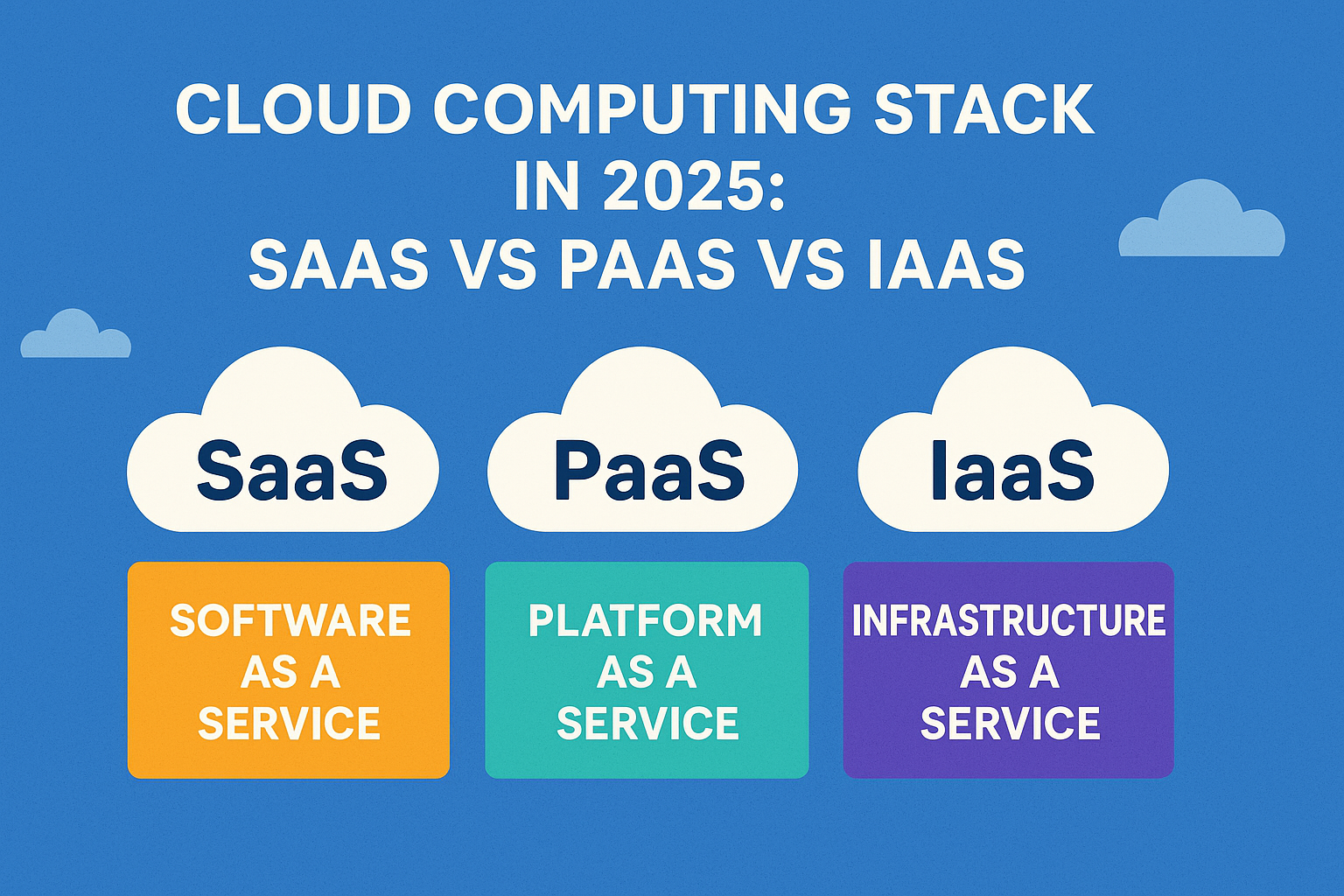
Cloud computing is often referred to as a “stack” because it consists of multiple layers of services built on top of each other, all operating under the umbrella of “the cloud.” According to the National Institute of Standards and Technology (NIST), cloud computing is a model that enables on-demand access to a shared pool of configurable computing resources—including servers, networks, applications, and storage—that can be rapidly provisioned with minimal management effort.
There are three main service models in cloud computing:
- Infrastructure as a Service (IaaS)
- Software as a Service (SaaS)
- Platform as a Service (PaaS)
Who Uses Cloud Services?
Almost everyone uses cloud services in some way. From individuals using Google Drive or streaming music, to businesses running applications and provisioning servers on platforms like AWS or Azure, cloud services are now a fundamental part of both personal and professional digital life.
Companies are increasingly migrating operations to the cloud, adopting a service-oriented approach. Whether you’re hosting code on GitHub or using a CRM like Salesforce, you’re engaging with cloud computing.
Benefits of Using a Cloud Computing Stack
- Expert-managed components reduce operational overhead.
- On-demand resources accelerate go-to-market timelines.
- Focus on core business logic rather than infrastructure boosts developer productivity.
I. Cloud Computing Stack Overview
1. Cloud Service Models:

According to NIST, a cloud service must offer:
Measured service: Pay only for what you use.
On-demand self-service: Immediate provisioning without human interaction.
Broad network access: Accessible via web browsers on laptops, desktops, and mobile devices.
Resource pooling: Multiple users share resources dynamically.
Rapid elasticity: Ability to scale resources up or down.
What is SaaS?
Software as a Service (SaaS) delivers software over the internet. Users access applications via browsers without needing to install or maintain software.
SaaS is best for:
- Undifferentiated tools like email (e.g., Gmail, Outlook)
- Sales management software
- External-facing tools like newsletter systems
- Applications with seasonal or temporary usage (e.g., tax software)
- Collaboration tools for short-term projects
SaaS is not suitable for:
- Highly customized on-premise applications
- Applications requiring real-time data processing
- Applications restricted by data residency regulations
What is PaaS?
Platform as a Service (PaaS) provides a platform allowing customers to develop, run, and manage applications without dealing with infrastructure.
Key features:
- Development and deployment tools
- Built-in scalability, failover, and load balancing
- Multitenant architecture
- Support for team collaboration
PaaS is ideal when:
- Multiple developers work on a single project
- Integration with existing data is needed
Avoid PaaS when:
- Custom hardware/software performance is required
- Applications require portability across platforms
- Proprietary language use may limit development
What is IaaS?
Infrastructure as a Service (IaaS) delivers fundamental computing resources like servers, storage, and networking as on-demand services.
Types:
- Public Cloud: Shared infrastructure via the internet
- Private Cloud: Dedicated infrastructure for one organization
- Hybrid Cloud: Combines public and private elements
Use IaaS when:
- Demand fluctuates
- You’re a startup with limited capital
- Rapid scaling is needed
- You prefer operational expenses over capital investment
Avoid IaaS when:
- On-premises infrastructure can meet needs
- Regulatory compliance restricts data outsourcing
IaaS vs PaaS vs SaaS
The 3 main cloud computing stack or cloud software stack is different from each other in many senses. But the main base at which they are differentiated is the control and the cost.
When you have SaaS as your cloud software stack you lose a little control over the applications. This is because of the control of not only the applications but also of OS, storage as well as networking shifts to your vendor. Hence, if you are the owner of a small enterprise then SaaS as a cloud technology stack is the most suitable for you.
Whereas with PaaS one gets the privilege of controlling their applications and data more than the vendor. The vendor is more responsible for managing OS, runtime, etc. Therefore, PaaS is better when it comes to cost. It is more suitable for enterprises that are into app development but do not keep their employees engaged in networking or running servers.
Certainly! Below is a table that provides a concise comparison of Infrastructure as a Service (IaaS), Platform as a Service (PaaS), and Software as a Service (SaaS) based on various key attributes:
Comparison Table: IaaS vs PaaS vs SaaS
| Feature / Model | IaaS | PaaS | SaaS |
|---|---|---|---|
| Users | System admins, IT teams | Developers, DevOps teams | End users, business professionals |
| Control | High (apps, data, OS, middleware) | Medium (apps & data) | Low (only use the software) |
| Responsibility | User manages OS, apps, data | User manages apps, vendor handles rest | Vendor manages everything |
| Flexibility | Most flexible | Medium flexibility | Least flexible |
| Scalability | Manual/automated | Built-in automatic | Fully managed |
| Development Speed | Slow (due to setup) | Faster (infrastructure abstracted) | Fastest (ready-to-use) |
| Cost | Pay-as-you-go for infra | Pay for platform use | Subscription-based |
| Examples | AWS EC2, Google Compute Engine | Google App Engine, Heroku | Gmail, Dropbox, Salesforce |
This table provides a quick reference for understanding the differences between IaaS, PaaS, and SaaS based on key attributes. Keep in mind that the choice between these models depends on the specific needs and preferences of the users or organizations.
2. Cloud Deployment Models:
– Public Cloud: Services are provided over the internet and shared among multiple customers.
– Private Cloud: Operated solely for a single organization, offering greater control and customization.
– Hybrid Cloud: Combination of public and private clouds, facilitating data and application portability.
3. Cloud Computing Components:
– Compute: Virtual machines, containers, and serverless computing.
– Storage: Object storage, block storage, and file storage solutions.
– Networking: Connects various components and enables communication.
– Databases: Managed database services for various data storage needs.
– Security: Identity and access management, encryption, and compliance features.
– Management Tools: Monitoring, logging, and resource management utilities.
II. Cloud Computing Statistics

1. Market Trends:
– The global cloud computing market is projected to reach $1 trillion by 2026 (Source: Gartner).
– Public cloud spending is expected to grow at a CAGR of 16.7% from 2021 to 2026 (Source: IDC).
2. Adoption Rates:
– Approximately 94% of enterprises are using some form of cloud service (Source: Flexera).
– Hybrid cloud adoption increased to 58% in 2021, showing a rising trend (Source: Flexera).
3. Popular Cloud Providers:
– Amazon Web Services (AWS) leads the market with a 32% share, followed by Microsoft Azure (20%) and Google Cloud Platform (9%) (Source: Synergy Research Group).
4. Security Concerns:
- 66% of IT professionals view security as their top concern in cloud adoption (Source: Cybersecurity Insiders).
- Cloud-based DDoS attacks increased by 967% in the last year (Source: Neustar).
Last but not least IaaS stack cloud computing gives you control on both applications as well as over the infrastructure. The best part of IaaS is that the vendor will spending on physical servers, networking, and storage. It is a bit costlier than the other cloud stack in cloud computing.
III. Conclusion
Understanding the cloud computing stack helps individuals and businesses make informed decisions when moving to the cloud. Whether you’re selecting SaaS for its simplicity, PaaS for its developer tools, or IaaS for full control, the right choice depends on your specific goals and technical needs.
As cloud technology continues to evolve, staying informed about trends, providers, and risks is crucial to leveraging its full potential.



One Response
as I website possessor I conceive the written content here is very excellent, regards for your efforts.