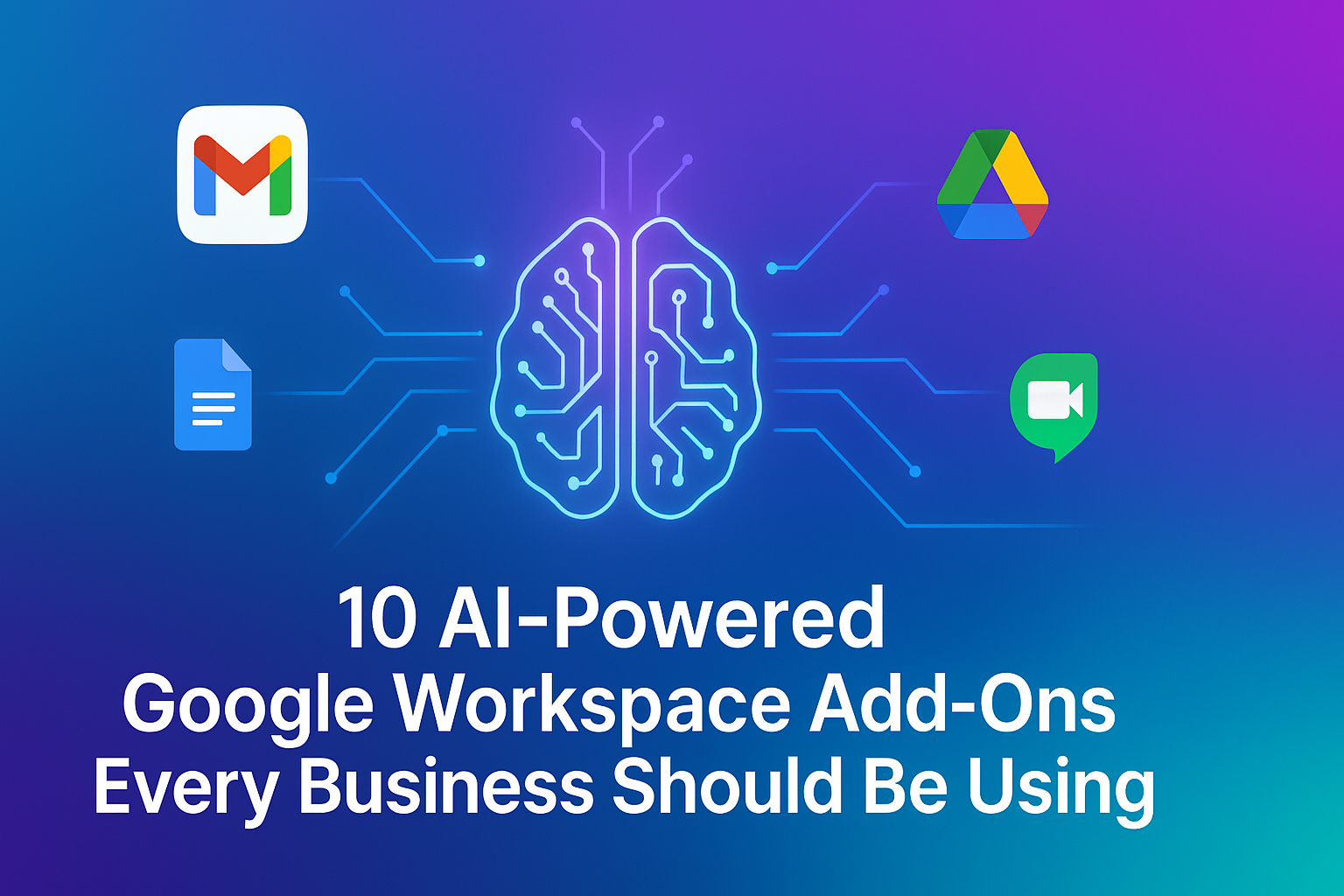
Artificial Intelligence has evolved from a futuristic aspiration into the most valuable productivity accelerator of the digital workplace. Nearly every business today uses Google Workspace as its operational hub for communication, collaboration, file sharing, and documentation. What many organizations still overlook is how dramatically Workspace productivity can be amplified when infused with AI-powered extensions. These powerful tools enhance Gmail, Meet, Docs, Sheets, Slides, Calendar, and Drive, eliminating repetitive tasks and empowering teams to focus on innovation and execution rather than administration.
Research from McKinsey shows that AI-empowered workplaces can improve productivity by up to 40%, while reducing operational workloads and accelerating execution speed across departments. When familiar environments like Google Workspace are upgraded with automation and predictive analytics, employees complete tasks faster, decision-making becomes sharper, and cross-team collaboration runs smoother. That is why AI add-ons are no longer optional businesses that adopt them scale faster than those that still rely on manual workflows.
The Rising Need for AI Inside Google Workspace
More companies are realizing that they don’t need new software to boost productivity, what they need is intelligence inside the software their teams are already using every day. Instead of switching between 15 different apps, new tools allow employees to automate writing, meetings, scheduling, CRM notes, compliance, presentations, reporting, and analytics right inside Workspace. This shift is driving a new era of effortless work where the platform becomes an intelligent co-worker rather than a passive tool.
How AI Add-Ons Transform Google Workspace Apps
Gmail becomes a smart inbox with auto-generated email replies and predictive reminders. Google Docs turns into a content powerhouse that creates professional emails, reports, blogs, and proposals in seconds. Google Meet becomes a searchable knowledge archive with real-time transcripts and automated summaries. Sheets eliminates complicated formulas by processing natural language queries. Slides transforms raw text into professionally designed presentations. Drive upgrades into a compliance and governance system with intelligent access control and automated document workflows.
To understand how dramatically AI impacts productivity inside Google Workspace, the table below outlines the key areas of transformation:
| Workspace App | Without AI | With AI Add-Ons | Productivity Impact |
|---|---|---|---|
| Gmail | Manual response drafting, inbox overload | Auto-reply writing, smart prioritization | 2–3× faster communication |
| Docs | Manual content writing and editing | Automated content generation, rewriting, tone control | 4–5× faster documentation |
| Google Meet | Manual note taking | Live transcription, summary creation, action item tracking | 90% time saved in meetings |
| Sheets | Complex formulas and manual reports | Natural language data analysis and auto-reporting | 3–4× faster data insights |
| Slides | Manual slide formatting | Auto-generated presentation templates from text | 5× faster presentation building |
| Drive | Manual file classification | Smart document workflow, permissions, and compliance | Reduced risk + faster governance |
How Businesses Are Using AI-Powered Workspace Extensions Today
Companies that rely on heavy written communication are turning to GrammarlyGO and Jasper AI integrations to speed up Gmail and Docs. Teams that handle regular meetings have adopted Otter.ai and Fireflies.ai to transcribe conversations and extract decisions and action items without note taking. Busy executives and freelancers are using Superhuman for prioritizing and responding to emails in record time. HR and education institutions use MagicForm AI to convert topic descriptions directly into forms, surveys, onboarding sheets, and quizzes. Analysts and finance teams depend on SheetGPT to build calculations, forecasts, and summaries that used to take hours. Trainers and sales professionals are using SlidesAI to turn raw written content into client-ready or classroom-ready presentations. Enterprises and regulated businesses are implementing AODocs AI to automate compliance, governance, and improved data security.
Instead of overhauling their tech stack or hiring additional manpower, companies are now upgrading productivity simply by integrating AI where work is already happening inside Google Workspace.
Why Smart Leaders Are Making AI a Workspace Priority
The biggest differentiator between fast-scaling companies and slow-moving companies is not headcount, it is operational efficiency. Businesses that continue to rely heavily on manual workflows will struggle to match the agility of competitors who allow AI to automate everyday tasks. AI doesn’t replace skilled employees, it gives them more power by eliminating the exhausting workload of writing, scheduling, note-taking, reporting, formatting, analyzing, and compliance documentation. This allows staff to invest their time in strategy, customer relationships, creative thinking, and problem-solving.
Forward-thinking leaders understand that the future belongs not to the biggest workforce, but to the most AI-efficient workforce.
The Future of Work: AI-Driven Google Workspace Adoption
As AI continues reshaping the digital workplace, Google Workspace is quickly becoming the foundational layer of modern automation. Every extension integrates seamlessly, so businesses don’t need expensive software or complicated deployment. A one-time plugin installation can result in measurable improvements within days.
From startups to enterprises, AI-powered Workspace tools are already demonstrating how effortlessly the future of work can feel, faster execution, quicker decision-making, reduced workload stress, better collaboration, and measurable revenue results.
Companies that adopt AI today will lead the market tomorrow. Companies that delay AI will watch competitors accelerate ahead.
Final Takeaway
If you’re searching for a practical and affordable way to improve productivity without overhauling your tech stack, start by enabling AI inside the tools your team already uses daily. The fastest path to digital efficiency begins not with new software, but with smarter software usage powered by AI automation inside Google Workspace.